
Odoo AI Assistant
Model Context Protocol (MCP) server for Odoo — connect Claude, ChatGPT, Cursor, Codex & other AI agents to your Odoo data securely via API keys with granular access control.
Odoo AI Assistant turns your Odoo instance into a fully-featured Model Context Protocol (MCP) server. Any AI coding assistant that supports MCP (Claude Code, Claude Desktop, ChatGPT, Cursor, Codex CLI, OpenCode, Antigravity IDE, etc.) can connect to Odoo and perform CRUD operations, run methods, fetch reports, and more — all governed by fine-grained API key permissions.
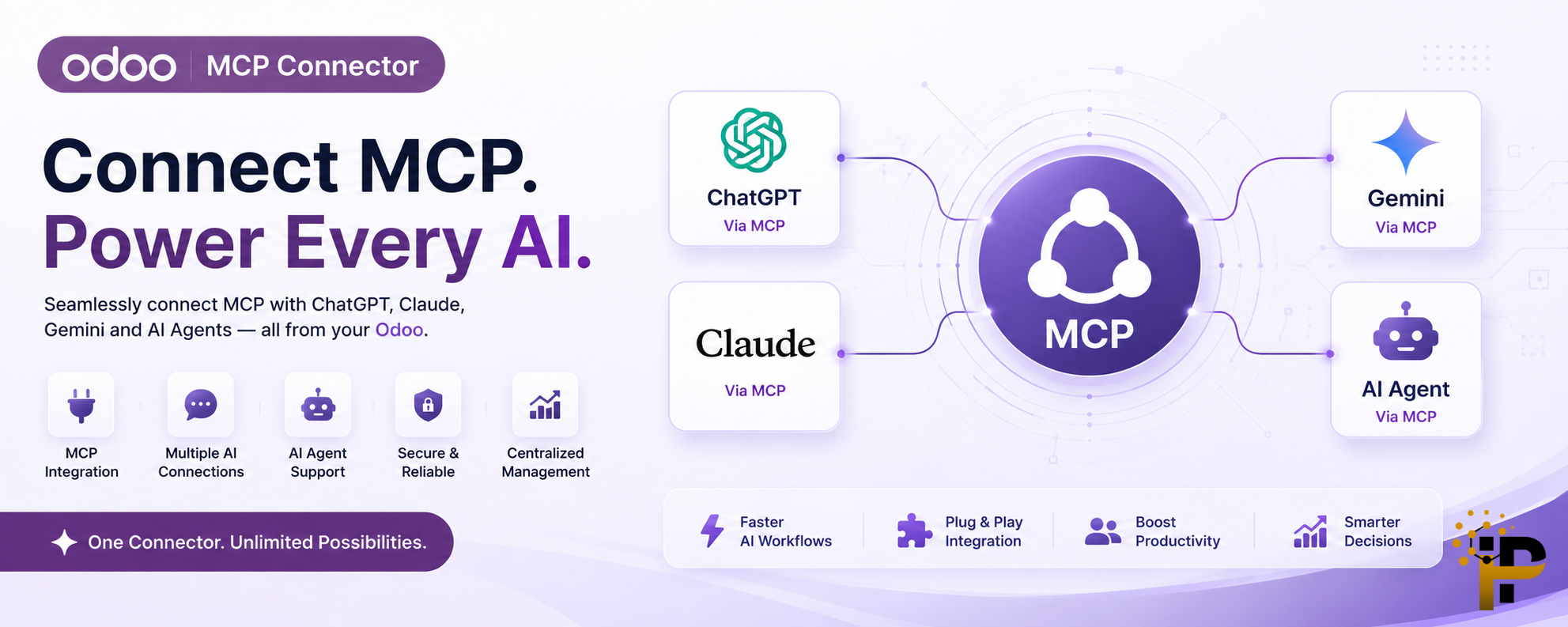
Everything this module adds to your Odoo instance.
MCP Server (Streamable HTTP)
Full MCP v1.0 implementation over HTTP. Supports initialize, tools/list, tools/call JSON-RPC methods with Bearer token auth.
API Key Management
Generate, revoke & manage API keys per user. Set expiration dates, custom duration (1 day to 1 year), and view usage statistics in the backend.
Granular Access Control
Per-key CRUD permissions (Read, Create, Write, Delete, Execute). Whitelist allowed models, blacklist blocked models, and system-critical models (ir.model, ir.ui.view, etc.) are permanently locked.
Audit Log & Dashboard
Every MCP tool call is logged with tool name, payload, response, IP address, execution time and status. A beautiful dashboard shows usage trends at a glance.
Portal Connection Guide
Beautiful, user-friendly portal pages at /mcp/connect with ready-to-copy configuration snippets for 9+ AI tools — Claude Code, Claude Desktop, Codex CLI, Cursor, ChatGPT, OpenCode, Claude Web, Antigravity IDE & CLI.
Chatter Integration
Optionally log AI actions directly into the affected record's chatter. Every create, update, or delete is posted as a 🤖 AI Assistant notification.
Security Verification
Uses Odoo's native @check_identity decorator. Generating or revoking API keys always triggers a password prompt — both from the backend and the portal.
PDF Report Generation
AI agents can request PDF reports (invoices, sale orders, etc.) directly via the get_report_pdf tool. Returns base64-encoded PDF data.
All tools exposed to AI agents via the MCP protocol.
| Tool Name | Description | Permission |
|---|---|---|
| search_records | Search & read records from any allowed Odoo model with domain filters, field selection, limit, offset and ordering. | read |
| create_record | Create a new record in any allowed Odoo model with specified field values. | create |
| update_record | Update an existing record by ID with new field values. | write |
| delete_record | Delete a record by ID. Disabled by default — requires explicit Can Delete permission. | unlink |
| execute_method | Call any model method (e.g. action_confirm) with custom arguments. | execute |
| get_fields | Retrieve field definitions (type, label, required, relation, etc.) for any model. | read |
| read_group | Perform grouped aggregation queries (SUM, COUNT, AVG) on model data. | read |
| search_count | Count records matching a domain filter without loading data. | read |
| smart_context | Returns Odoo metadata — installed modules, available models, company info — helping AI agents understand the environment. | read |
| get_report_pdf | Generate and retrieve a PDF report (invoice, SO, etc.) as base64-encoded data. | read |
Each API key has independent permission toggles and model access controls.
CRUD Toggles
Read, Create, Write, Delete, Execute — each individually toggleable per key.
Model Whitelist / Blacklist
Choose which models AI can access. Blocked models override allowed ones.
System Blocked Models
ir.model, ir.ui.view, ir.rule, res.users & more — permanently locked, cannot be overridden.
Ready-to-copy configuration snippets are generated automatically for each integration.

Claude Code

Claude Desktop

Codex CLI

Cursor

ChatGPT

OpenCode
Claude Web

Antigravity IDE
Get connected in 3 steps.
Install Module
Install Odoo AI Assistant from the Odoo Apps menu. Dependencies (base, web, mail, portal) are installed automatically.
Generate API Key
Go to Settings → Users → Preferences and click Add AI Assistant Key, or visit /mcp/connect from the portal.
Copy Config Snippet
The success page shows ready-to-copy JSON/CLI/TOML configuration for your chosen AI tool. Paste it and start interacting with Odoo.
Visual overview of the Odoo AI Assistant configuration and usage.
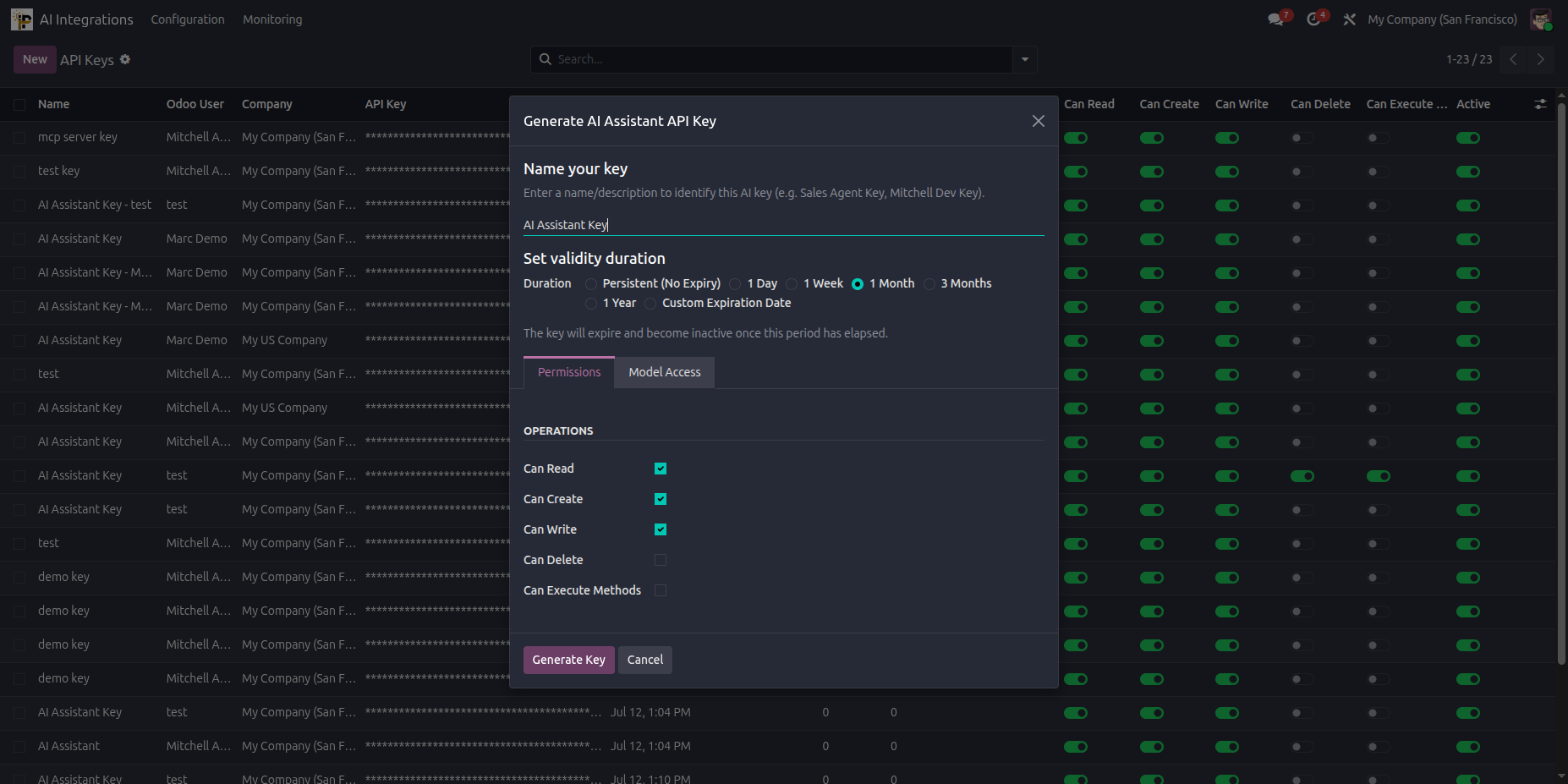
1. API Key Generation (Odoo Backend)
Generate secure AI Assistant API keys directly from the User Preferences panel in Odoo backend.
2. Portal API Keys Management
Manage, view, and revoke your AI Assistant API keys easily from the customer portal security page.
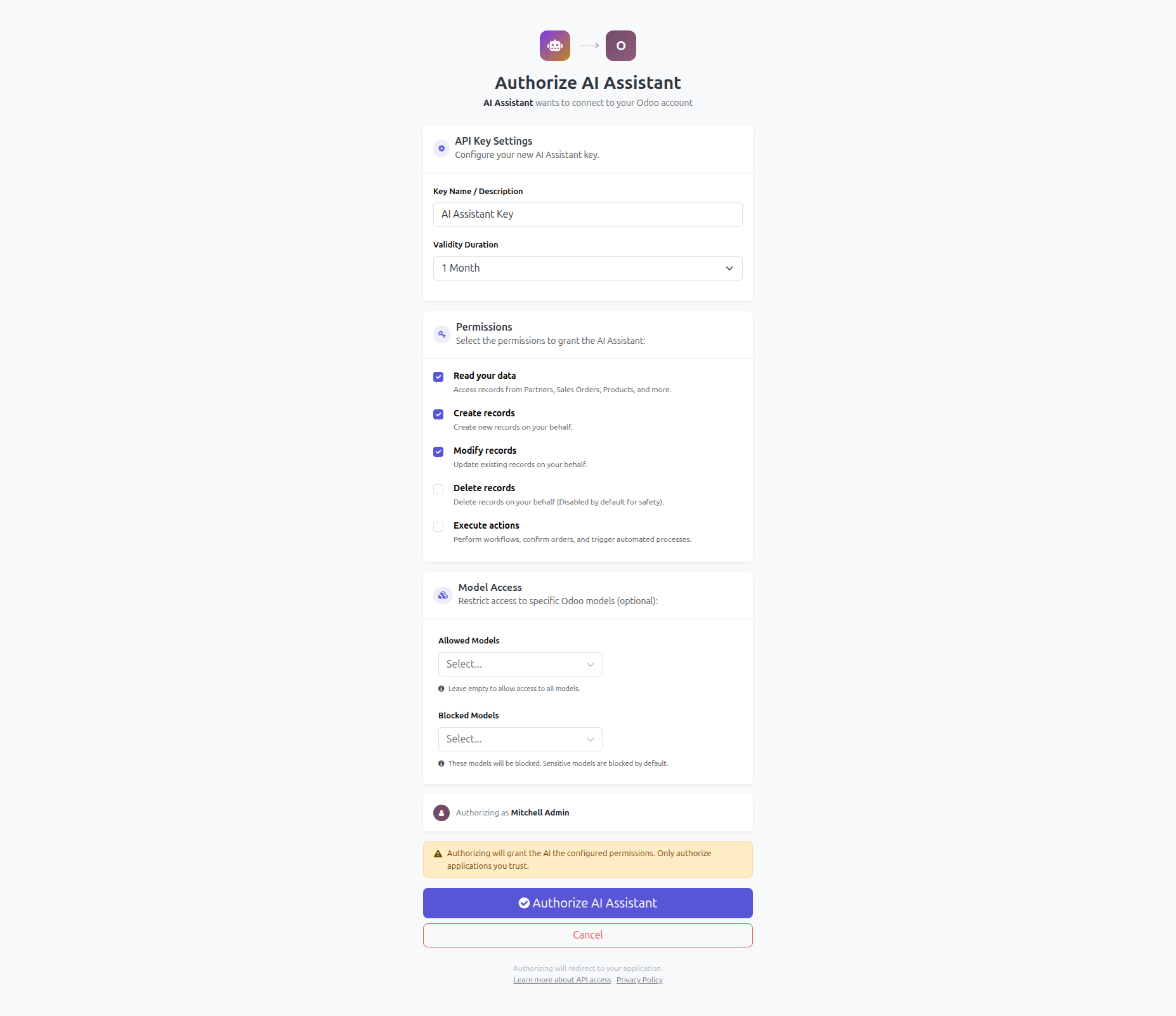
3. Connection Portal Wizard
A clean, dedicated portal wizard that allows users to quickly generate their API keys.
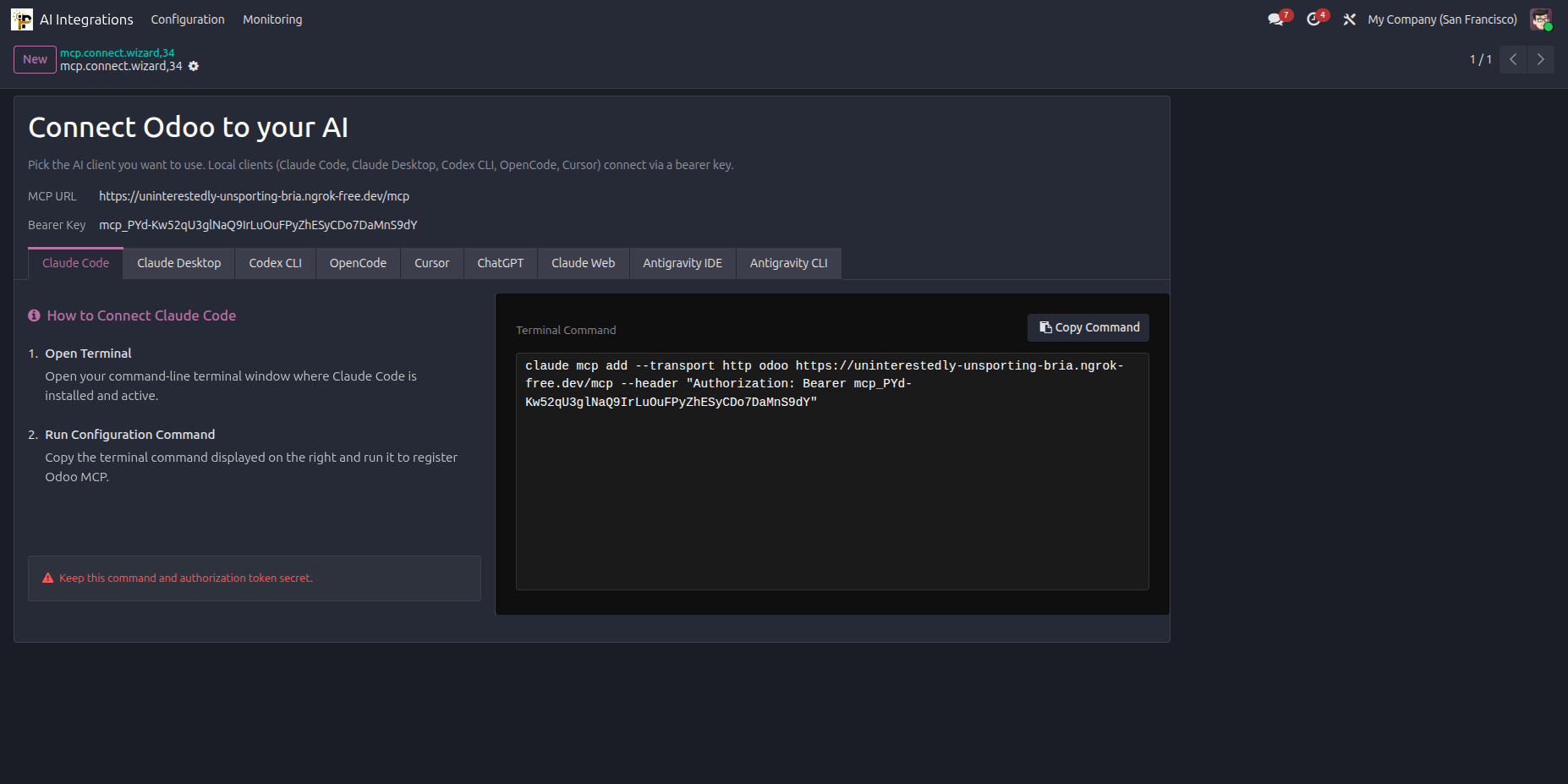
4. Interactive Connection Guide
Select your preferred AI tool from the list of supported integrations to get tailored setup instructions.
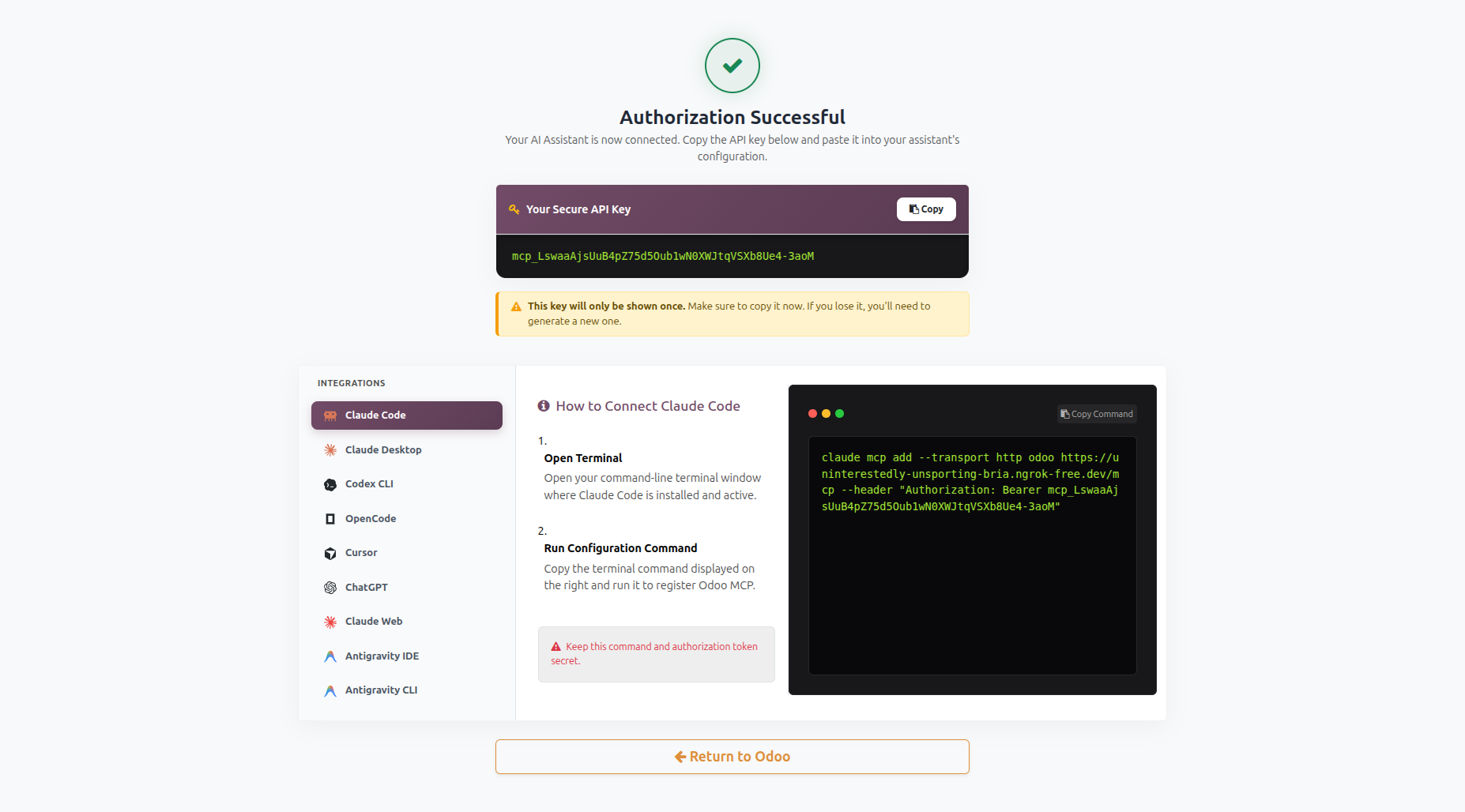
5. Claude Web Configuration
Step-by-step guidance on setting up Claude Web with your custom Odoo API keys and system endpoints.
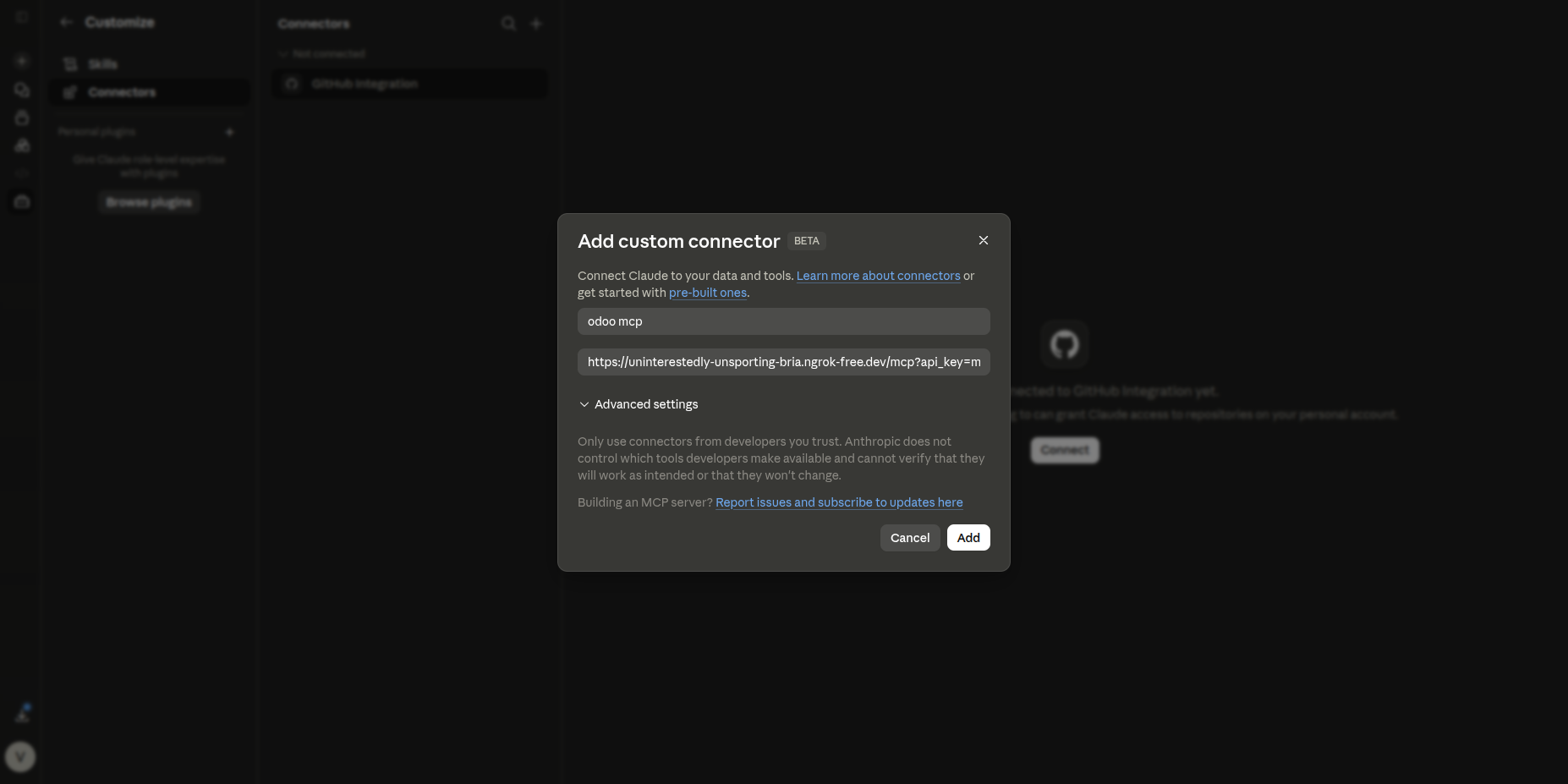
6. Claude CLI Commands Execution
Real-time execution details displaying how Claude interacts with the Odoo API through CLI.
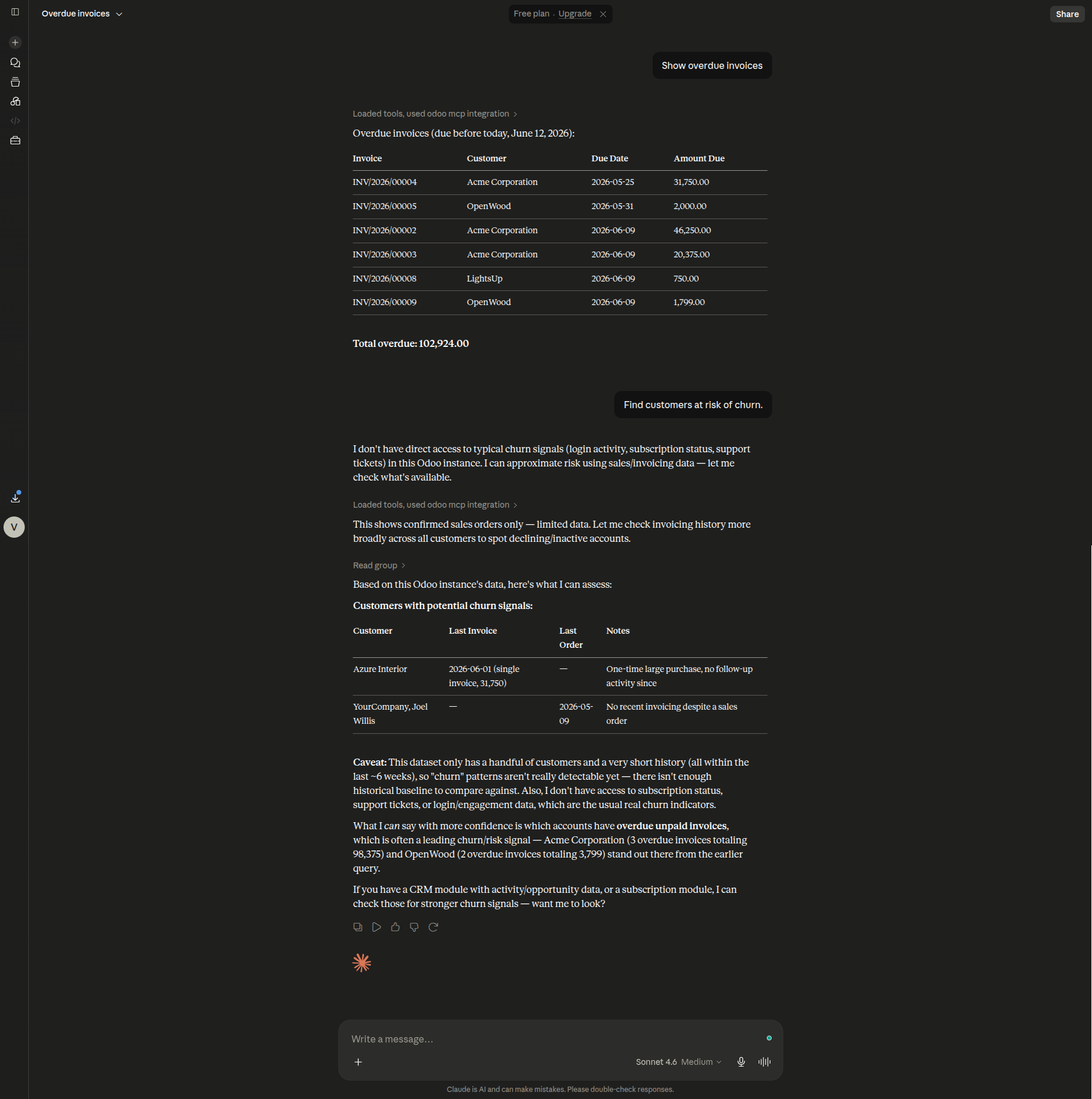
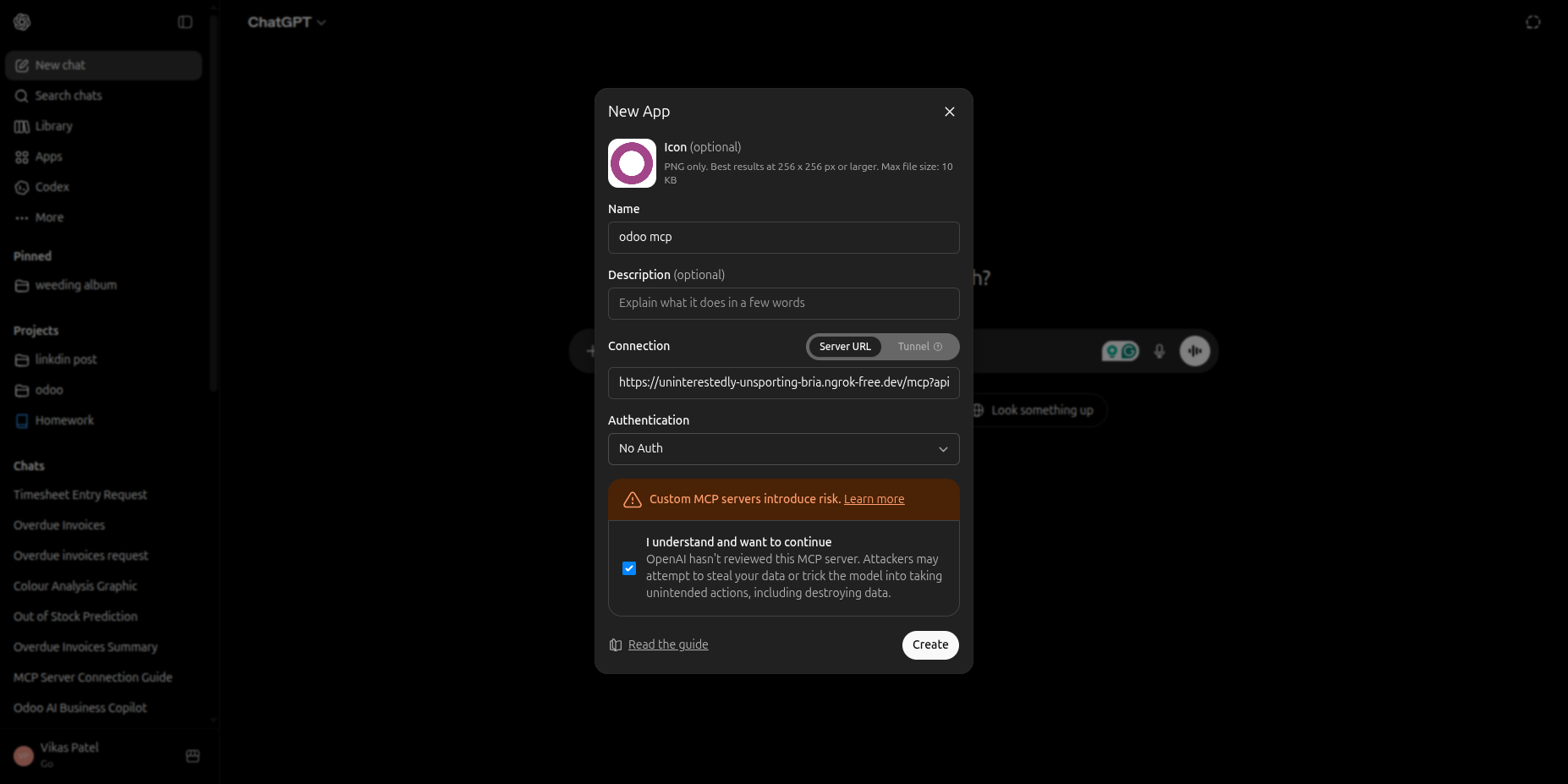
7. ChatGPT Custom GPT Setup
Easy copy-paste OpenAPI schema configurations for ChatGPT custom GPTs.
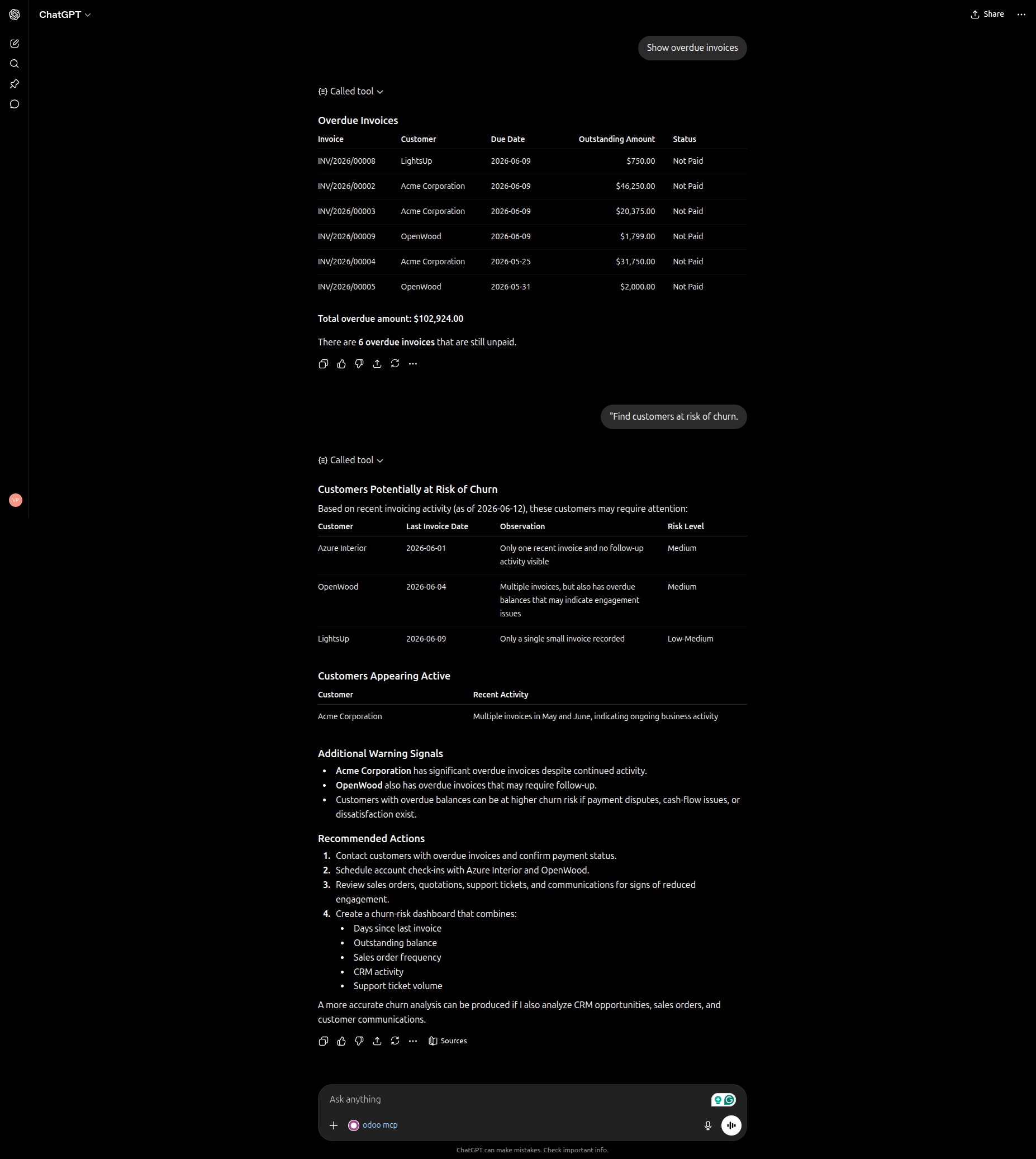
8. ChatGPT Chat Assistant Interaction
Send queries and commands from ChatGPT to interact with your Odoo database securely.
These models are permanently blocked for all API keys and cannot be overridden by users.
| Model | Reason |
|---|---|
| ir.model | Model registry — modifying could break schema |
| ir.model.fields | Field definitions — modifying could corrupt data |
| ir.ui.view | View definitions — modifying could break UI |
| ir.model.access | Access control lists — security critical |
| ir.rule | Record rules — modifying could expose data |
| ir.actions.server | Server actions — could execute arbitrary code |
| ir.cron | Scheduled actions — could run background code |
| ir.module.module | Module registry — modifying could break system |
| ir.config_parameter | System parameters — contains secrets & config |
| res.users | User accounts — password hashes & credentials |
| mcp.api.key | API key records — self-referential attack vector |
| mcp.audit.log | Audit logs — tampering would hide traces |
Technical Help, Queries & Support
For any other assistance related to the new Odoo feature, customization or Odoo Development.