
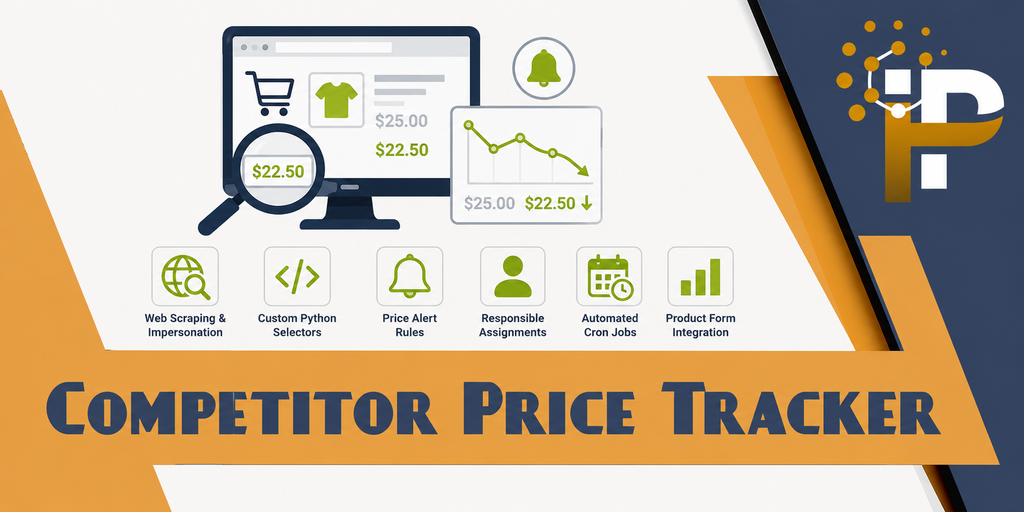
Competitor Price Tracker
Track, compare & get notified about competitor product prices automatically with web scraping, Python-based extraction, and configurable alert rules.
What this module adds to your Odoo instance.
Web Scraping & Python Price Extraction
Automatically fetch live product prices from any competitor website. Write custom Python code per competitor using CSS selectors, JSON-LD structured data, regex patterns, or any parsing logic you need.
Configurable Price Update Rules
Create flexible notification rules — choose "Always Notify" or "Notify on Price Drop". Assign responsible users and select mail templates per rule.
Email Alert Notifications
Get instant email notifications when competitor prices drop below yours. Configurable mail templates with detailed price comparison tables.
Automated Cron Scheduling
Daily scheduled actions automatically update all competitor prices, track price history (current vs. last), and trigger notification rules without manual effort.
Visual overview of the Competitor Price Tracker features.
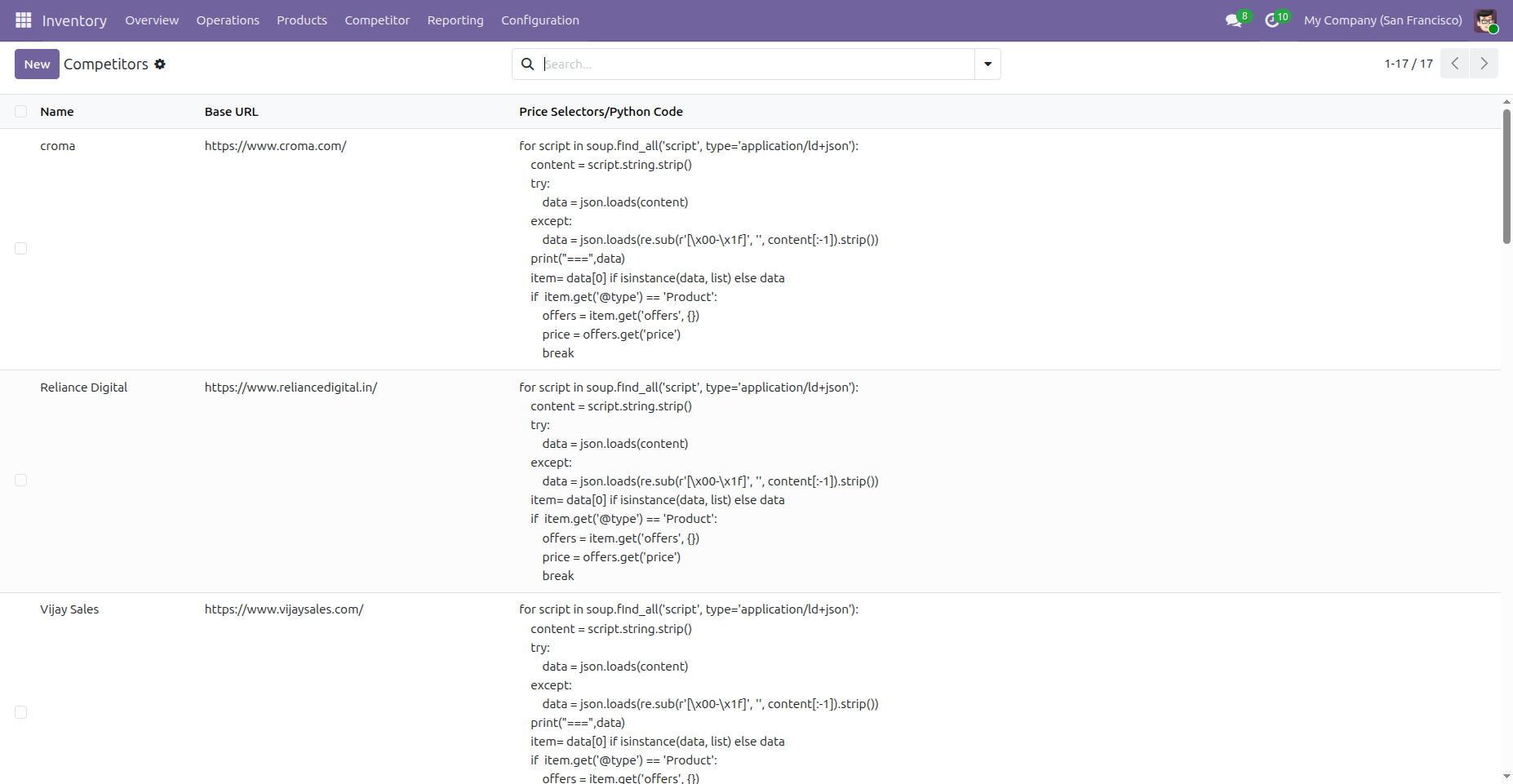
1. Competitors List View
Manage all your competitors from a centralized list with name, base URL, and price selectors.
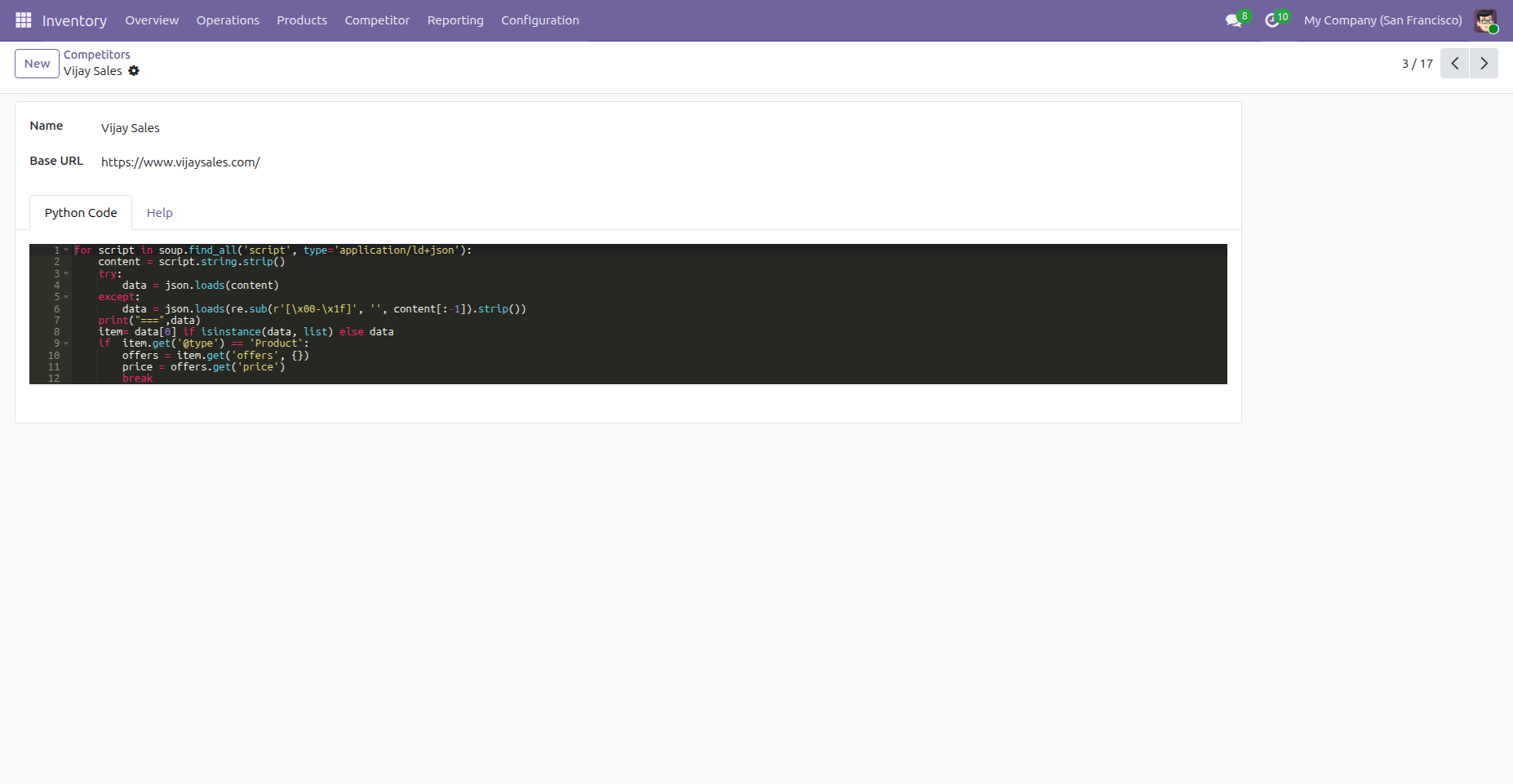
2. Competitor Form – Python Code Editor
Configure each competitor with custom Python extraction code. Built-in Help tab provides ready-to-use examples.
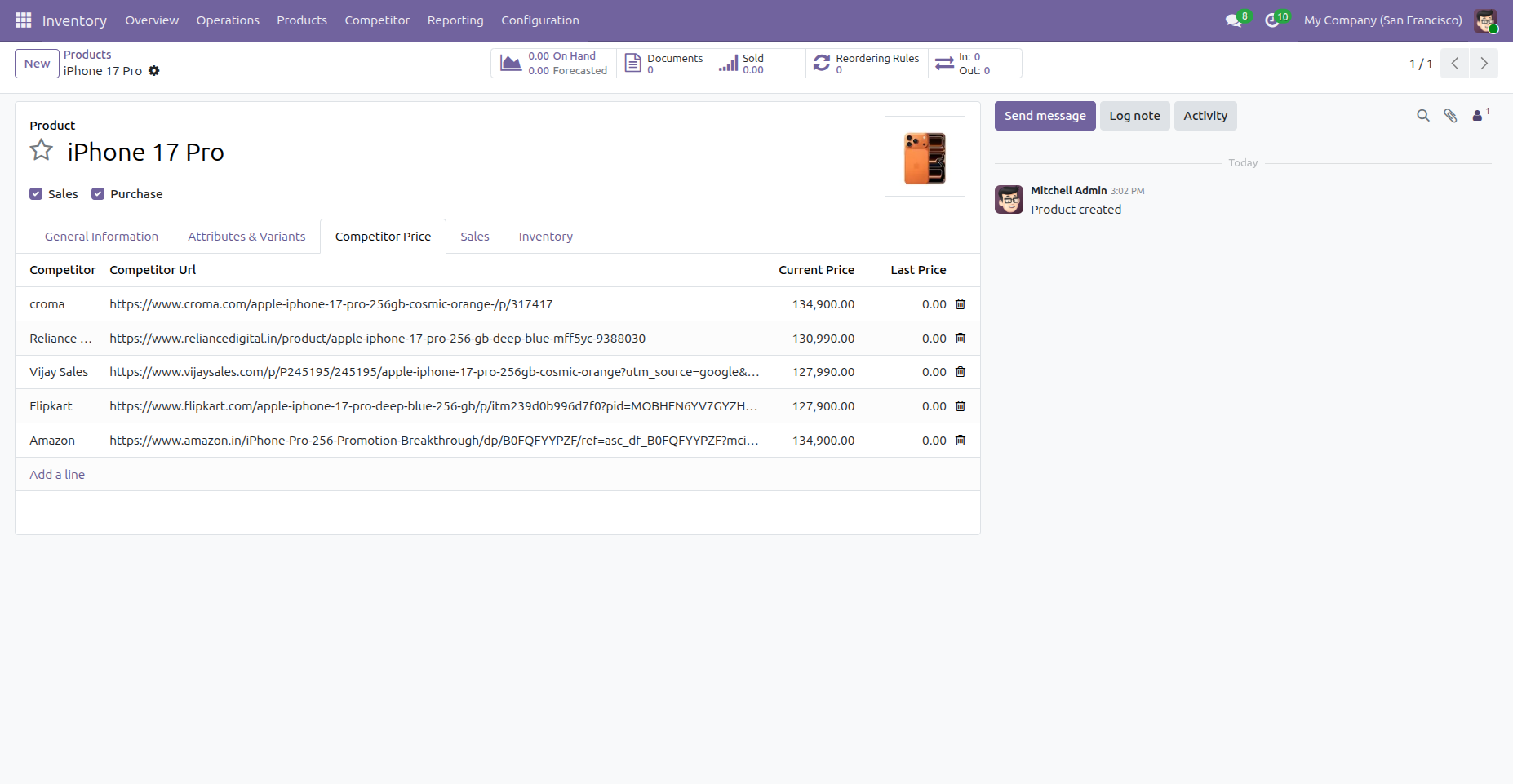
3. Product Template – Competitor Price Tab
View and manage competitor prices directly from the product form. Prices are auto-fetched when you add a competitor URL.
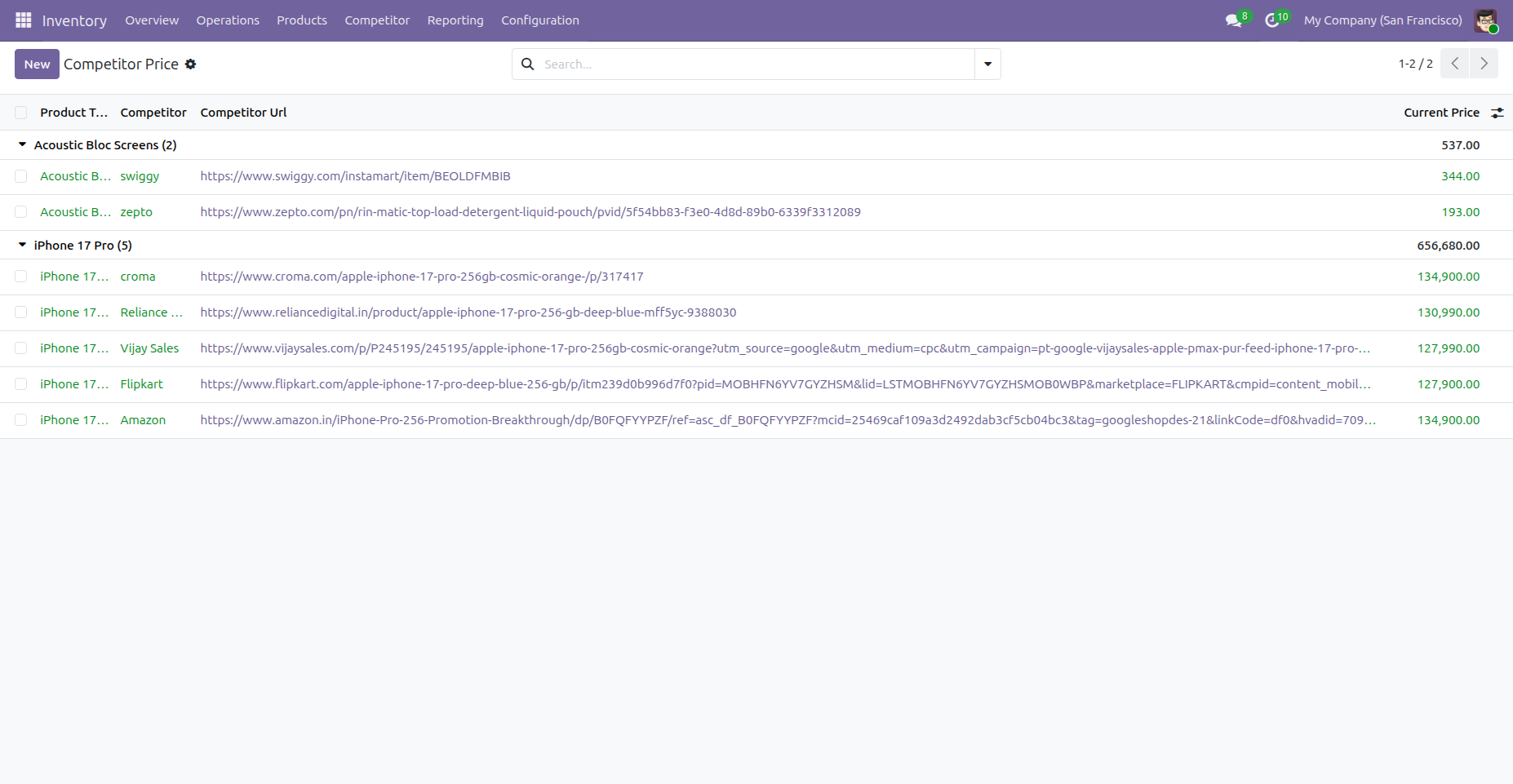
4. Price Monitoring – Grouped View
Track all competitor prices at a glance, grouped by product. Green rows show successful price fetches, red rows indicate errors.
Configure how and when users get notified about competitor price changes.
Always Notify
Sends email notifications to responsible users every time prices are updated, regardless of whether the price went up or down.
Notify on Price Drop
Only sends notifications when a competitor's price drops below your product price, helping you react to competitive pricing threats.
Follow these simple steps to set up competitor price track for your products.
Install the Module
Go to Apps → Search for "Competitor Price Tracker" → Click Install. The module will automatically create the required menus under the Inventory app.
Add Competitors
Navigate to Inventory → Competitor → Competitors. Create a new competitor by entering the Name, Base URL, and Python Code for price extraction. Use the built-in "Help" tab with code examples for reference.
Link Competitors to Products
Open any product in Inventory → Products. Go to the "Competitor Price" tab. Add a line by selecting the Competitor and entering the Product URL from that competitor's website. The current price will be fetched automatically on save.
Set Up Notification Rules
Go to Inventory → Competitor → Rule Configuration. Create a rule by choosing the Action ("Always Notify" or "Notify on Price Drop"), assigning Responsible Users, and selecting a Mail Template. Users will receive email alerts based on this rule.
Monitor Prices
Go to Inventory → Competitor → Price Monitoring to see all competitor prices grouped by product. Prices are updated automatically every day via scheduled action. Green rows indicate successful price fetch, red rows indicate errors.
Group-based access control to restrict competitor price tracker features.
Allow Competitor Price Tracker
Custom security group that controls access to competitor menus, views, and the product template tab. Auto-assigned to Admin & Root users.
Model Access Rights
Full CRUD permissions (read, write, create, delete) for competitor.name, competitor.price, and price.update.rule models for internal users.
Built-in code examples for extracting prices from competitor websites. Available inside the Competitor form view.
JSON-LD Extraction
Parse structured product data from ld+json script tags
CSS Selector Based
Target specific DOM elements with CSS selectors and fallbacks
Regex Pattern Matching
Extract prices from raw page text using regex patterns
Technical Help, Queries & Support
For any other assistance related to the new Odoo feature, customization or Odoo Development.