
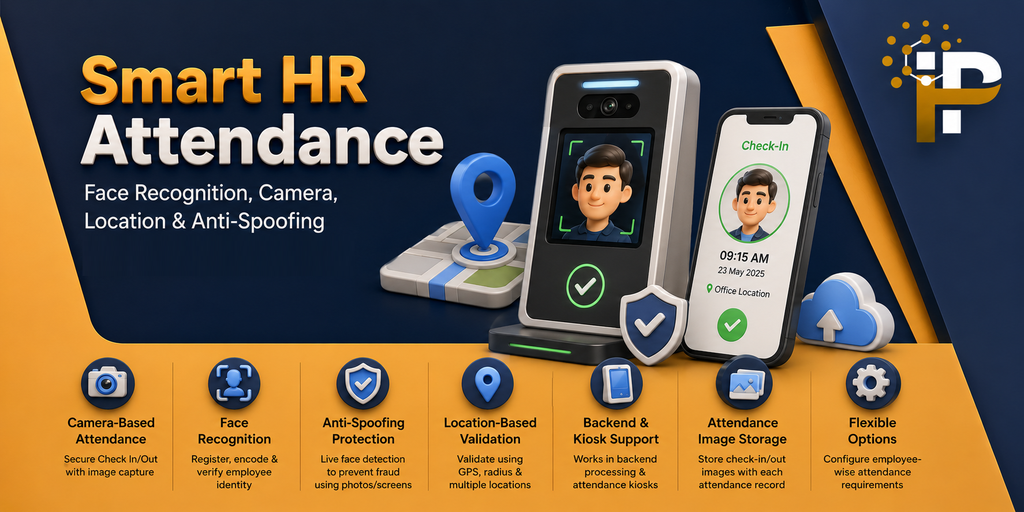
Face Recognition Attendance
Enhance Odoo Attendance with camera-based Check In / Check Out, face recognition, live face verification, attendance image capture, location-based validation and anti-spoofing protection.
Important: System Requirements
Required Python Libraries
Install the following Python libraries in the same Python environment used to run Odoo:
- face-recognition
- opencv-python
- onnxruntime
Note: Missing dependencies may prevent the module from being activated properly.
Key Features & Capabilities
Camera-Based Attendance
Camera-based Check In and Check Out with browser permission handling and attendance image capture.
Face Recognition
Employee face registration, automatic or manual face encoding, and identity verification.
Live Face & Anti-Spoofing
Live face detection and anti-spoofing validation help prevent attendance fraud using printed photos or digital screens.
Location-Based Attendance
Validate attendance using configured authorized locations, latitude, longitude, radius, and company-wise location assignment.
Backend & Kiosk Support
Face recognition support seamlessly integrated into backend administrative processing and dedicated Attendance Kiosk workflows.
Attendance Image Storage
Store Check In and Check Out facial captures directly alongside the corresponding attendance record for easy auditability.
Flexible Attendance Options
Configure granular, employee-wise options (e.g., standard check-in vs. mandatory facial recognition or image capture).
Attendance Configuration & Setup
Configure the required attendance settings before using camera capture, face recognition, kiosk attendance, and location-based validation.
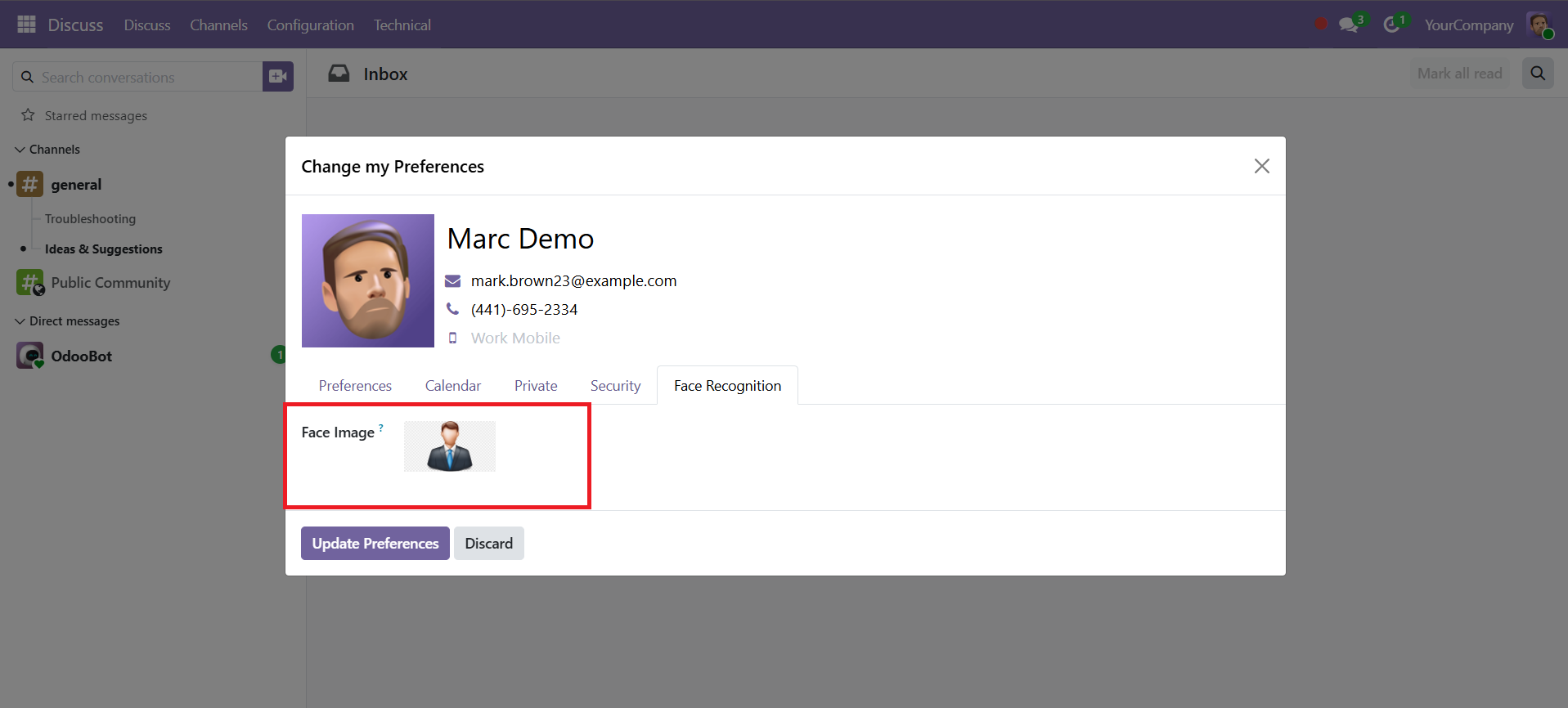
1. Face Image Registration
Users can upload or update their face image from My Profile.
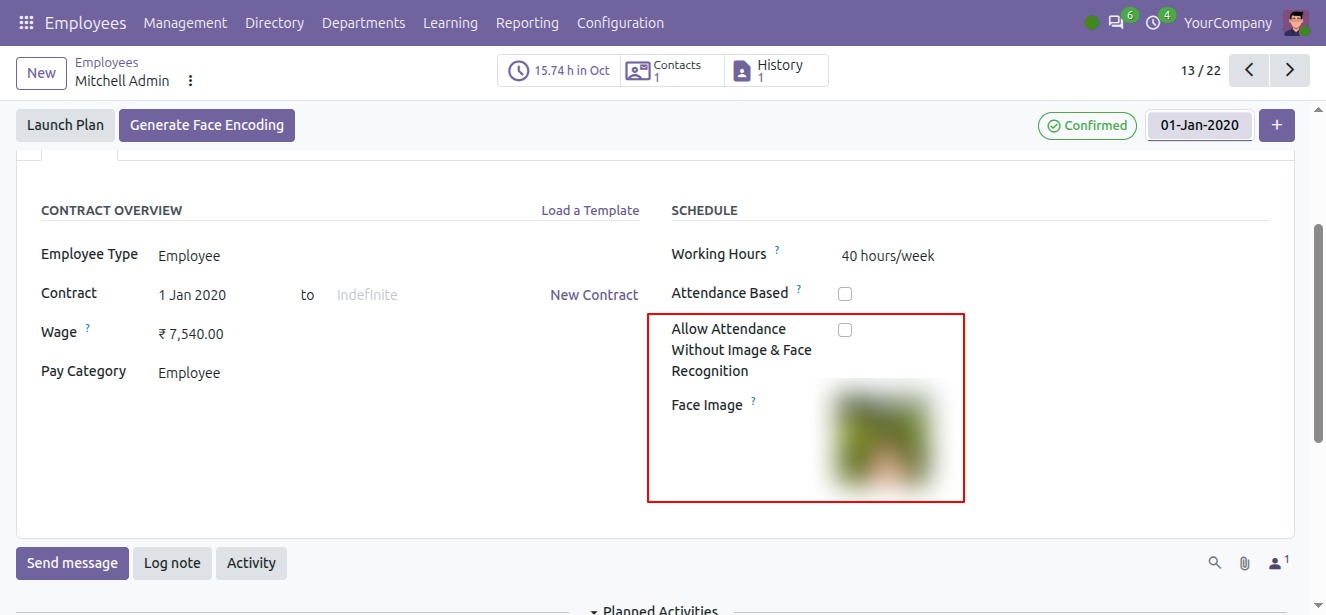
2. Employee Face Registration
Add the employee face image that will be used for face recognition.
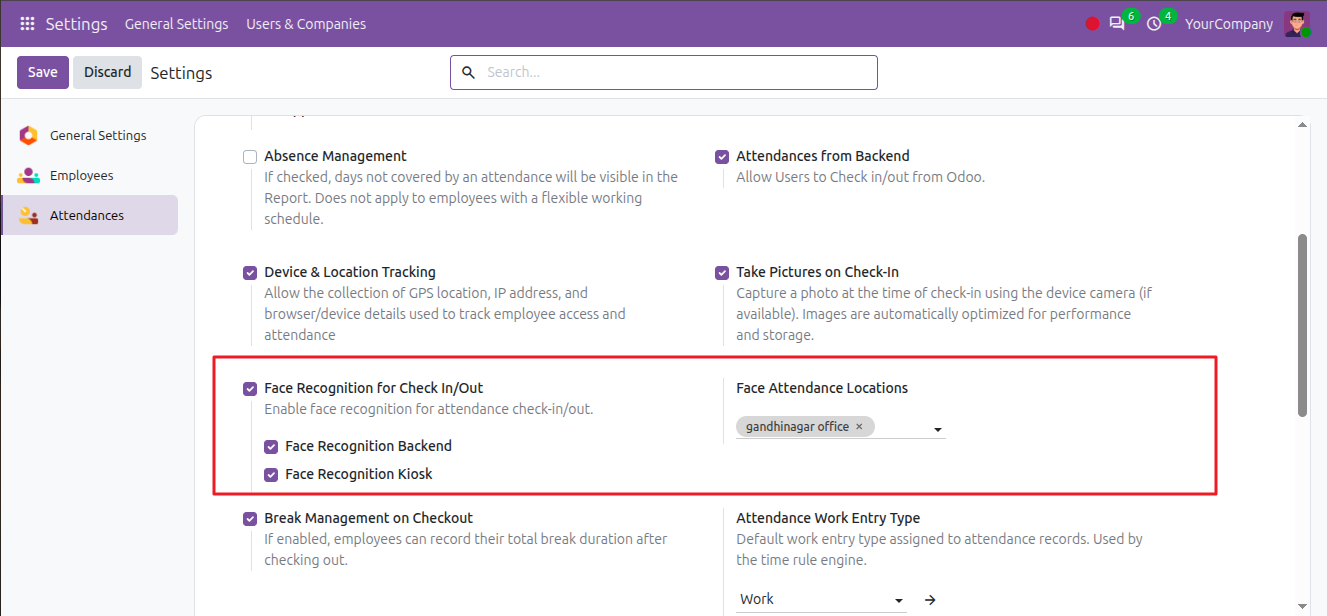
3. Attendance Settings
Configure camera capture, face recognition, and backend attendance options.
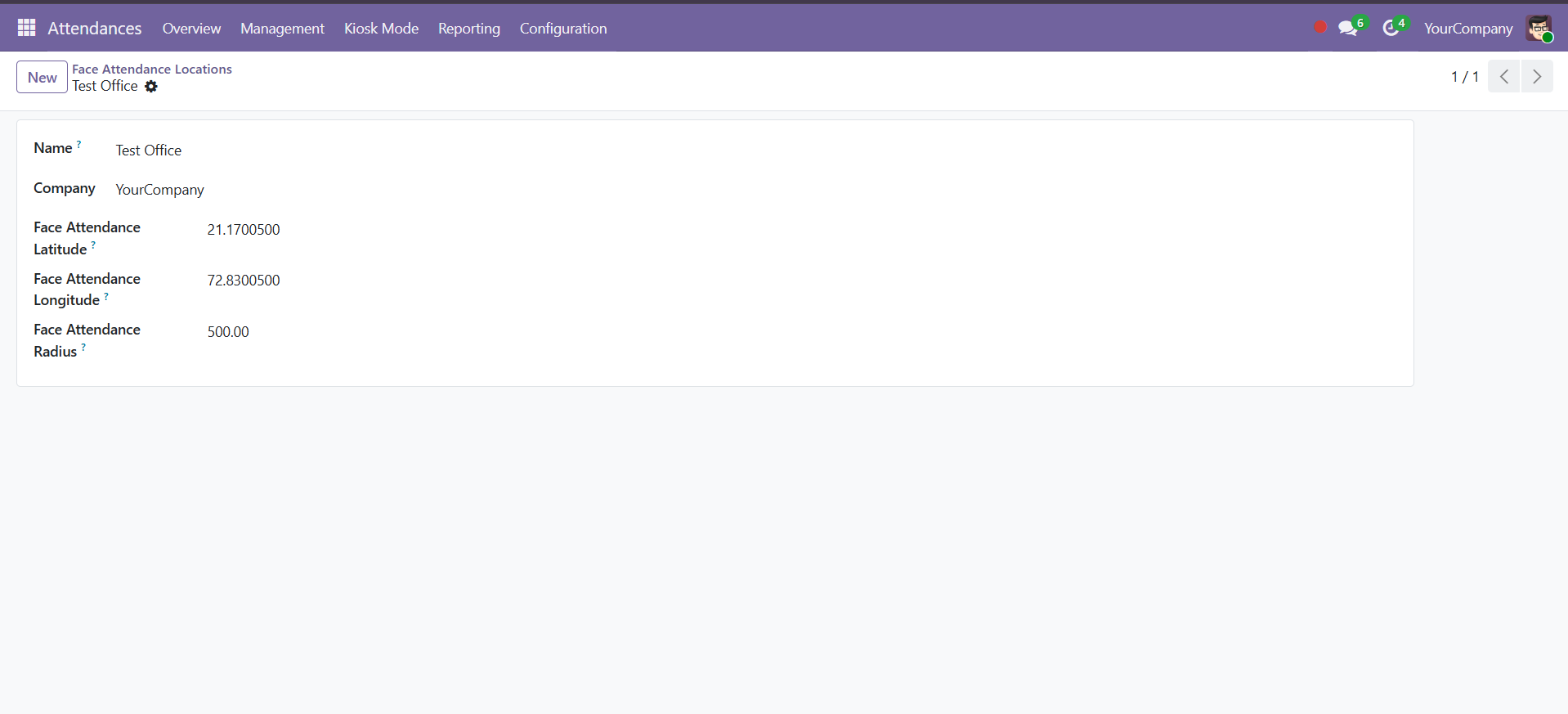
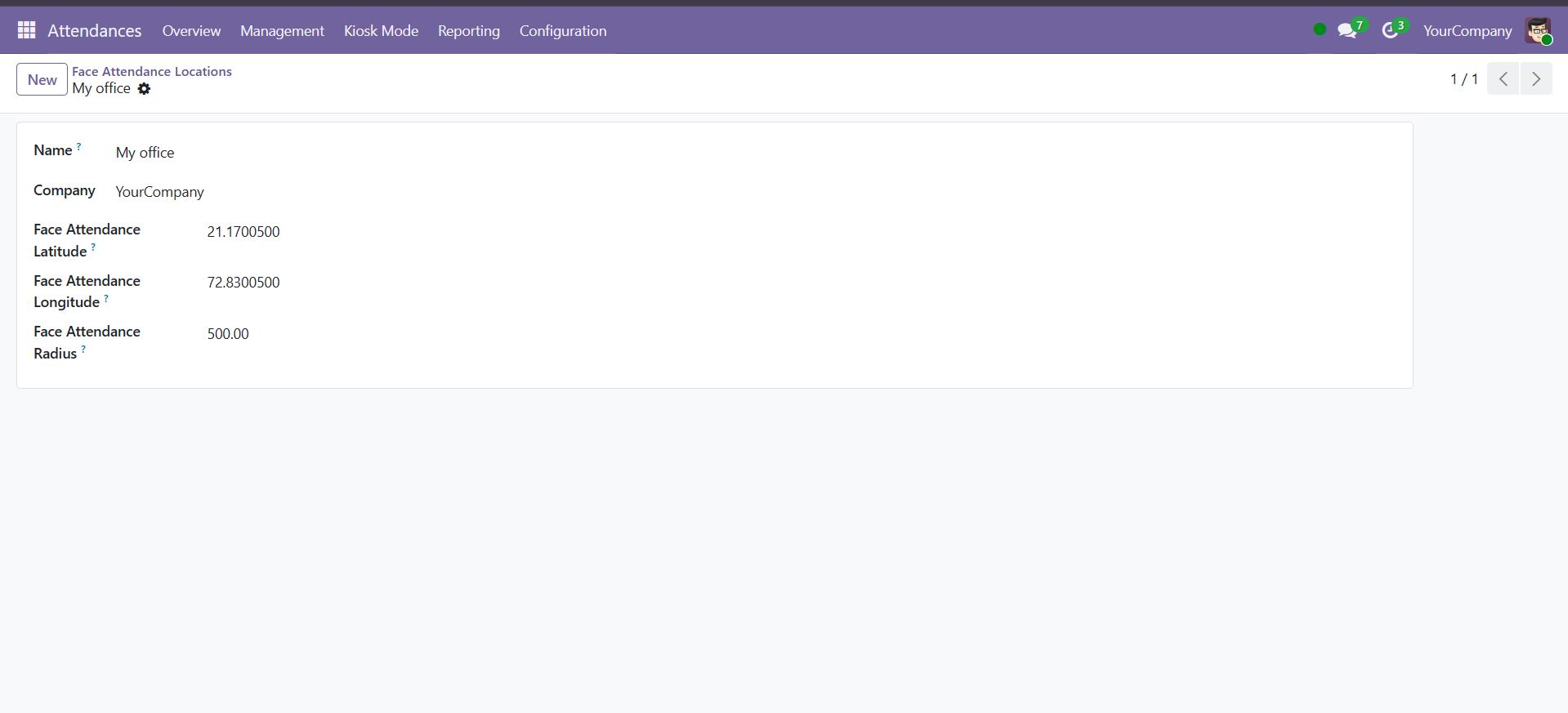
4. Face Attendance Location
Configure authorized attendance locations with latitude, longitude, and radius.
Attendance with Camera Capture
Enable camera-based attendance to capture employee photos during Check In and Check Out. The system checks browser camera permission, displays a live camera preview, captures the image, and records attendance.
1. Camera Preview
After permission is granted, live camera preview displays for image capture.
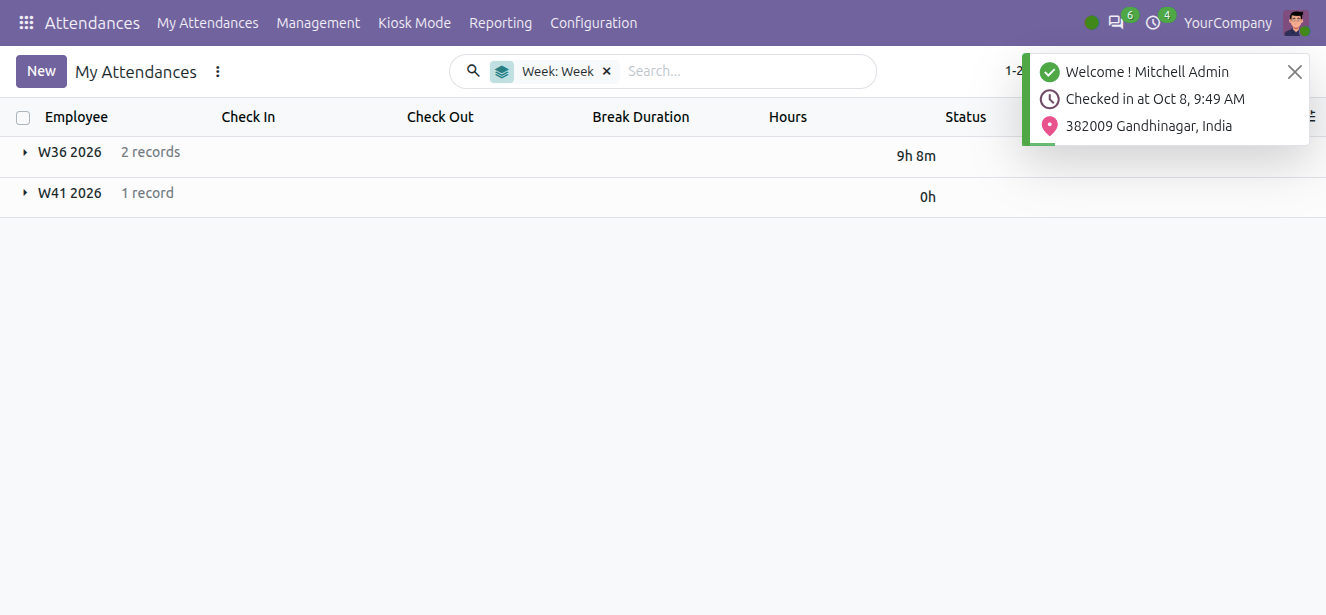
2. Successful Check-In
System confirms attendance registration upon successful capture.
Anti-Spoofing & Live Face Verification
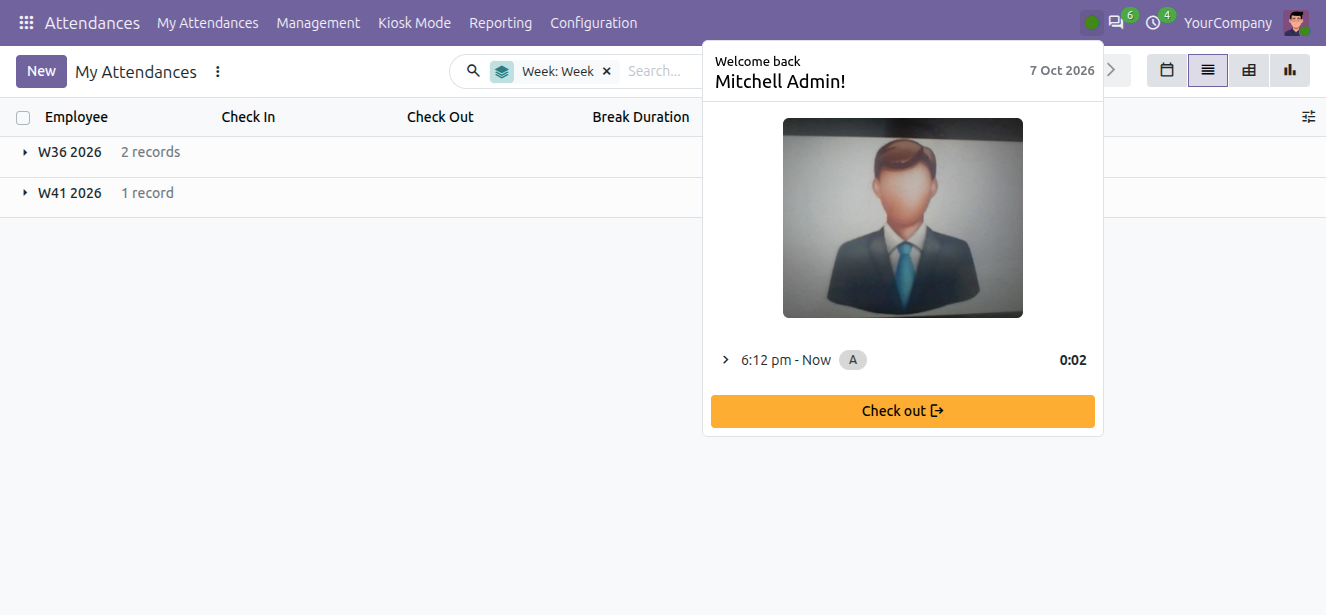
The module validates whether the detected face belongs to a live person before allowing attendance, preventing fraud attempts via photos or screen displays.
1. Live Face Verification
The camera evaluates face depth and motion markers before authorizing check-in.
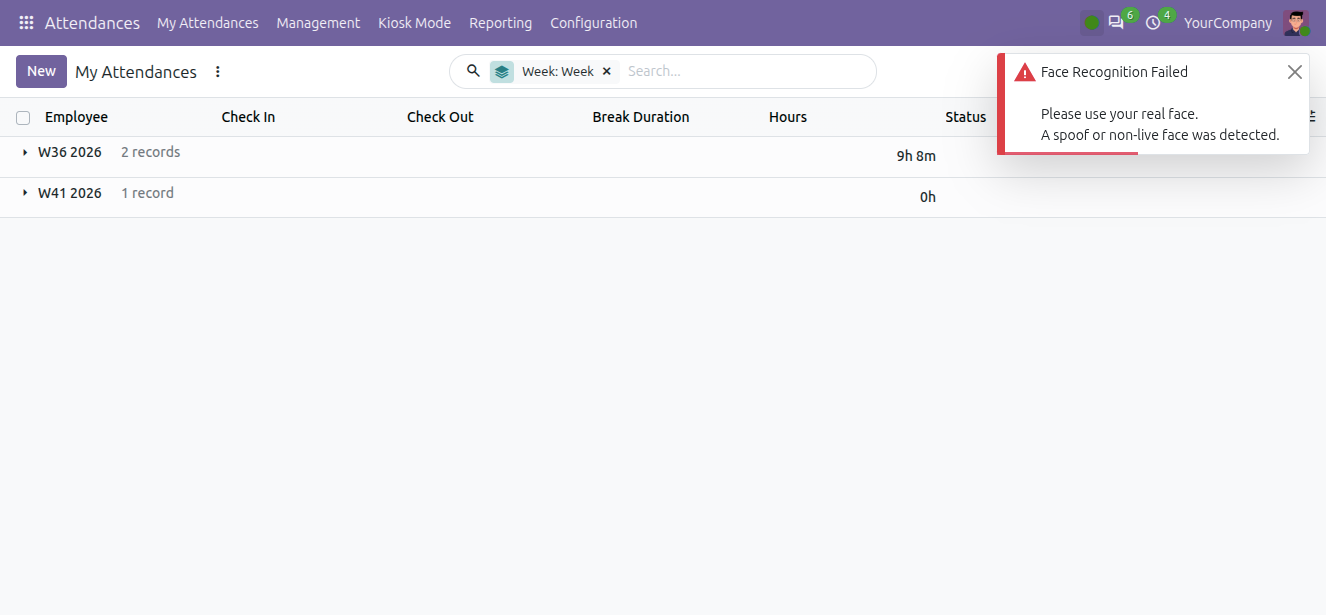
2. Spoof Detection
If a non-live face is detected, the system blocks attendance and alerts the user.
Face Recognition Kiosk
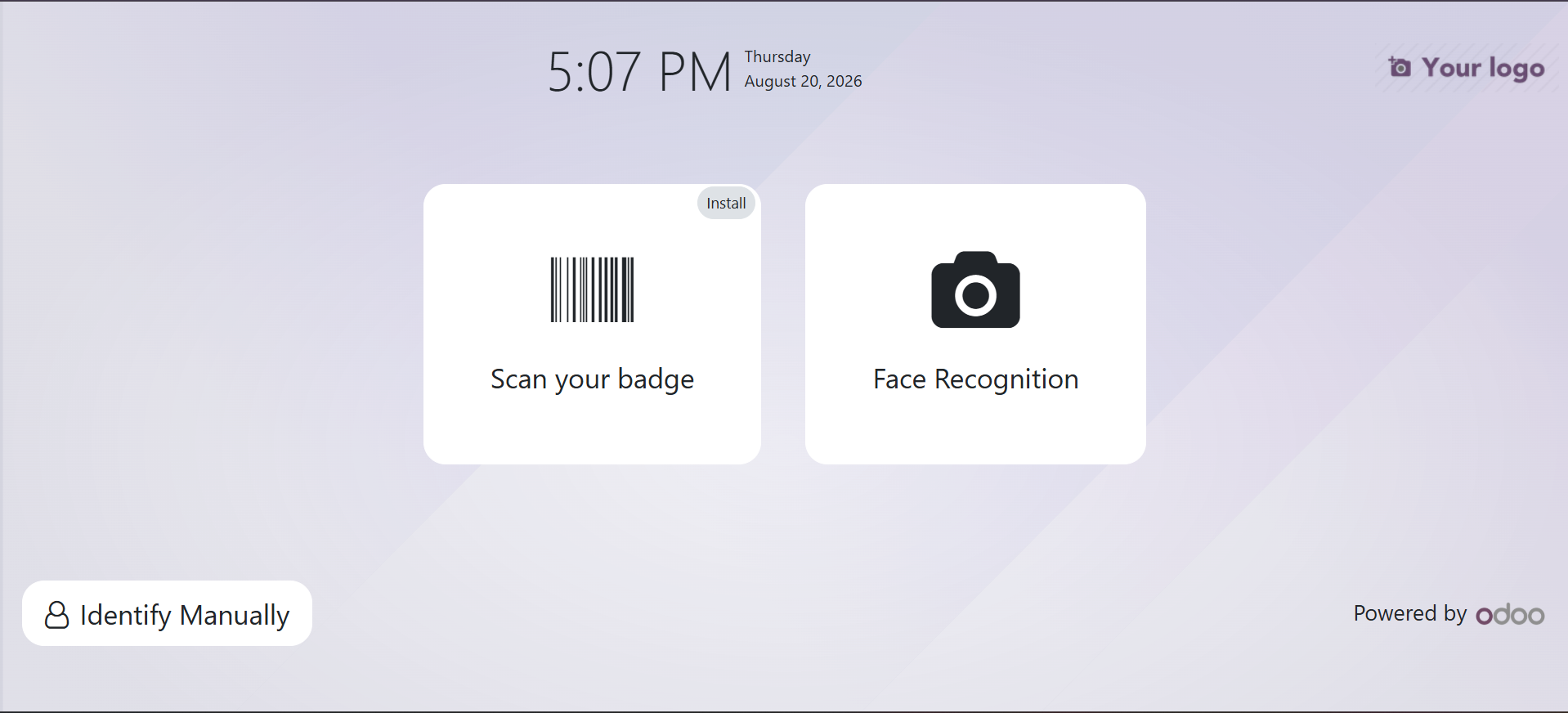
Dedicated Kiosk Mode allows touchless Check-In/Check-Out via facial recognition directly on tablet or kiosk screens without opening Odoo backend menus.
1. Kiosk Mode
Employees select Face Recognition on the dedicated Kiosk display screen.
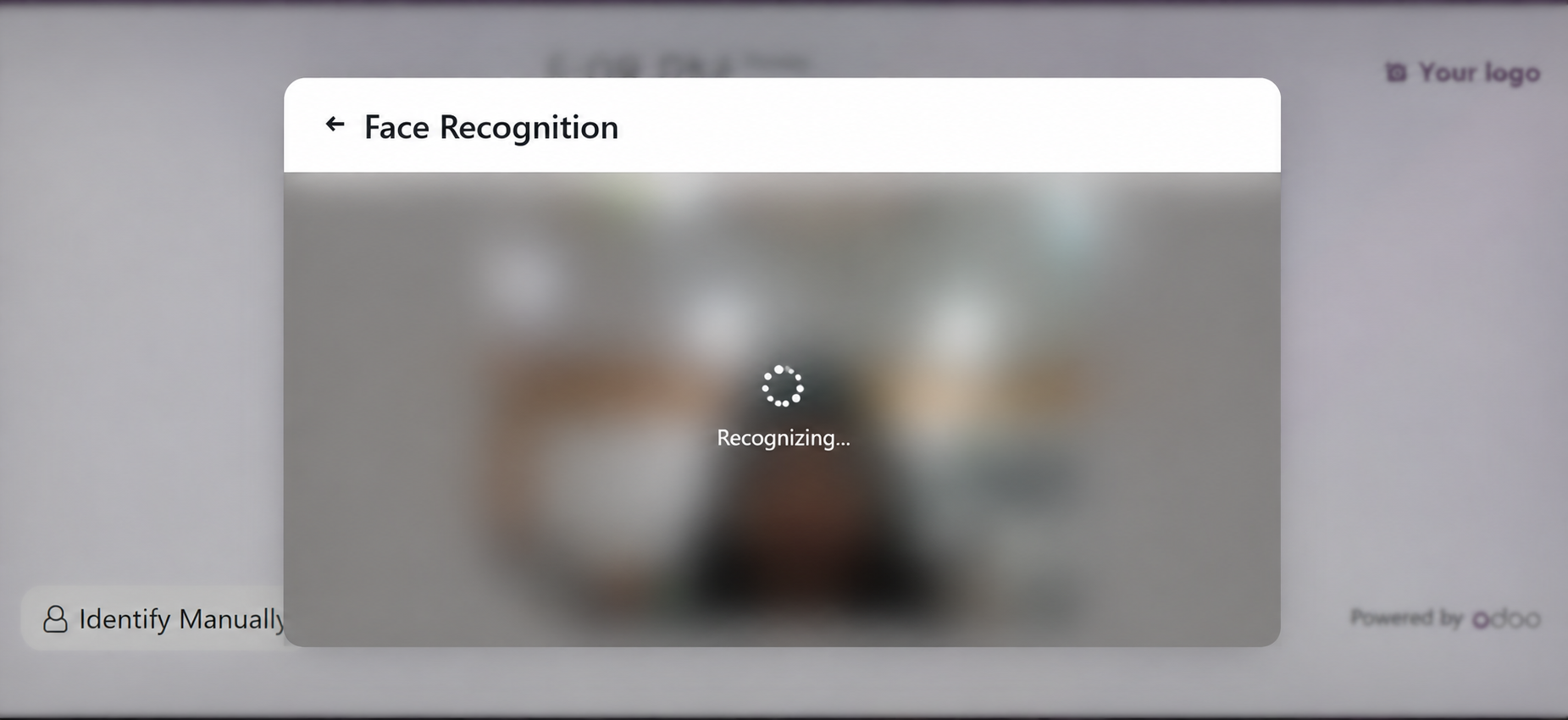
2. Face Recognition
The Kiosk camera automatically matches the face with registered employee profiles.
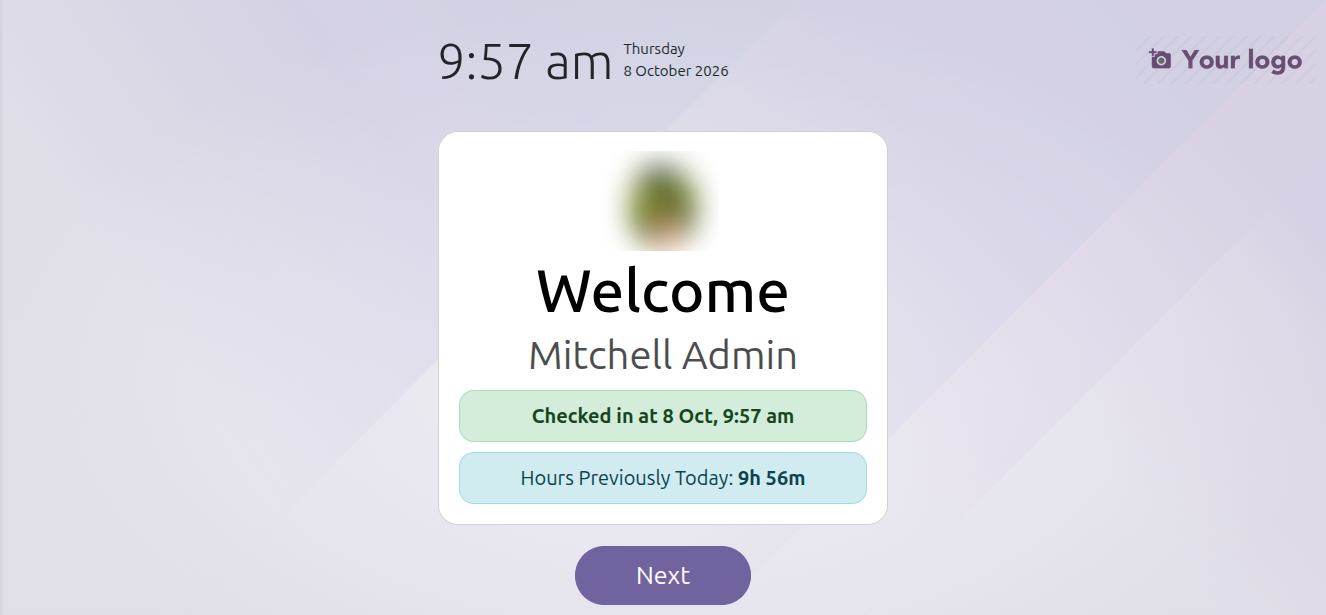
3. Confirmation
Upon successful face identification, attendance is immediately recorded.
Location-Based Attendance
Ensure employees can Check In/Out only within authorized physical coordinates and radii set by system administrators.
1. Location Configuration
Configure allowed geographic locations using Latitude, Longitude, and allowable Radius in meters.
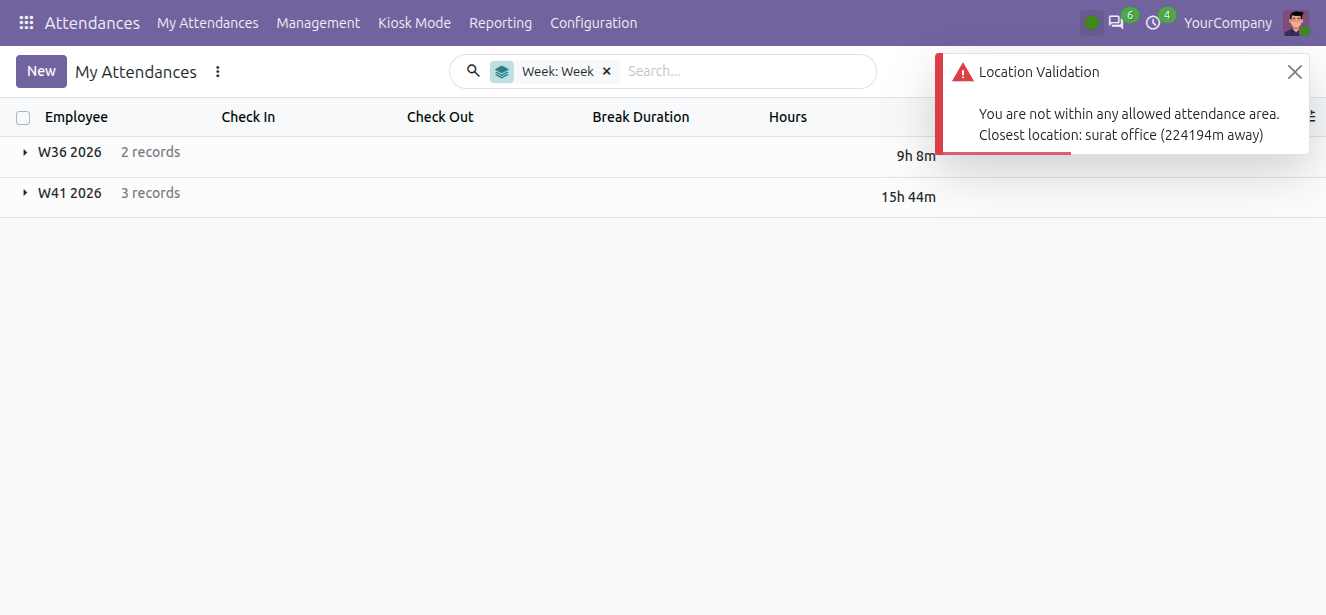
2. Geofence Validation Failed
If an employee is outside the designated radius, the action is denied with an error popup.
Technical Help , Queries & Support
For any other assistance related to the new Odoo feature, customization or Odoo Development.